The professional workspace for AI film and image
Write once, run it on any model. Kestrel puts every video and image engine behind a single composer, so you compare, iterate, and ship without relearning a new tool each time a better model lands.
Credits never expire on a pack · Cancel a plan anytime
a kestrel diving through low cloud at dusk, cinematic
Seedance 2.5 Text to Video

a kestrel on a fencepost at golden hour, cinematic
FLUX.1 [schnell]
AI video
Direct the shot, not the tool
Camera motion, duration, aspect ratio, audio, negative prompts — every control a model supports appears, and the ones it doesn't simply aren't there to confuse you.
- Text to video
- Describe a shot and get it. Duration, ratio, and resolution stay under your control.
- Image to video
- Animate any still — an upload, or something you generated a minute ago.
- First and last frame
- Pin both ends of a shot and let the model solve the motion between them.
- Reference to video
- Carry a character, a location, or a look across an entire sequence.

AI image
Stills that feed the edit
Images aren't a separate product here. Everything you generate lands in one library and can be reused as a first frame, a reference, or a source for the next generation.
Text to image
Full control over ratio, resolution, seed, and batch size.
Editing and inpainting
Change what's there instead of starting over.
Style and character references
Keep a look consistent across a whole set.
Feed straight into video
Any generated frame becomes the input to the next shot.
One platform
Models change. Your workflow shouldn't.
Kestrel is built provider-agnostic from the database up. Engines are configuration, not code, which is why a new model shows up as a new option rather than a new tool to learn.
One composer, every engine
Switch models mid-idea. Your prompt and settings carry over, and anything the new model can't do is called out instead of silently dropped.
One balance
A single credit pool across every provider, with the price shown on the button before you commit.
One history
Every generation, from every model, in one searchable grid — with the exact settings that produced it.
New models, same day
Adding an engine is a configuration change on our side, not a rebuild. You get it as soon as we do.
Gallery
What these engines make
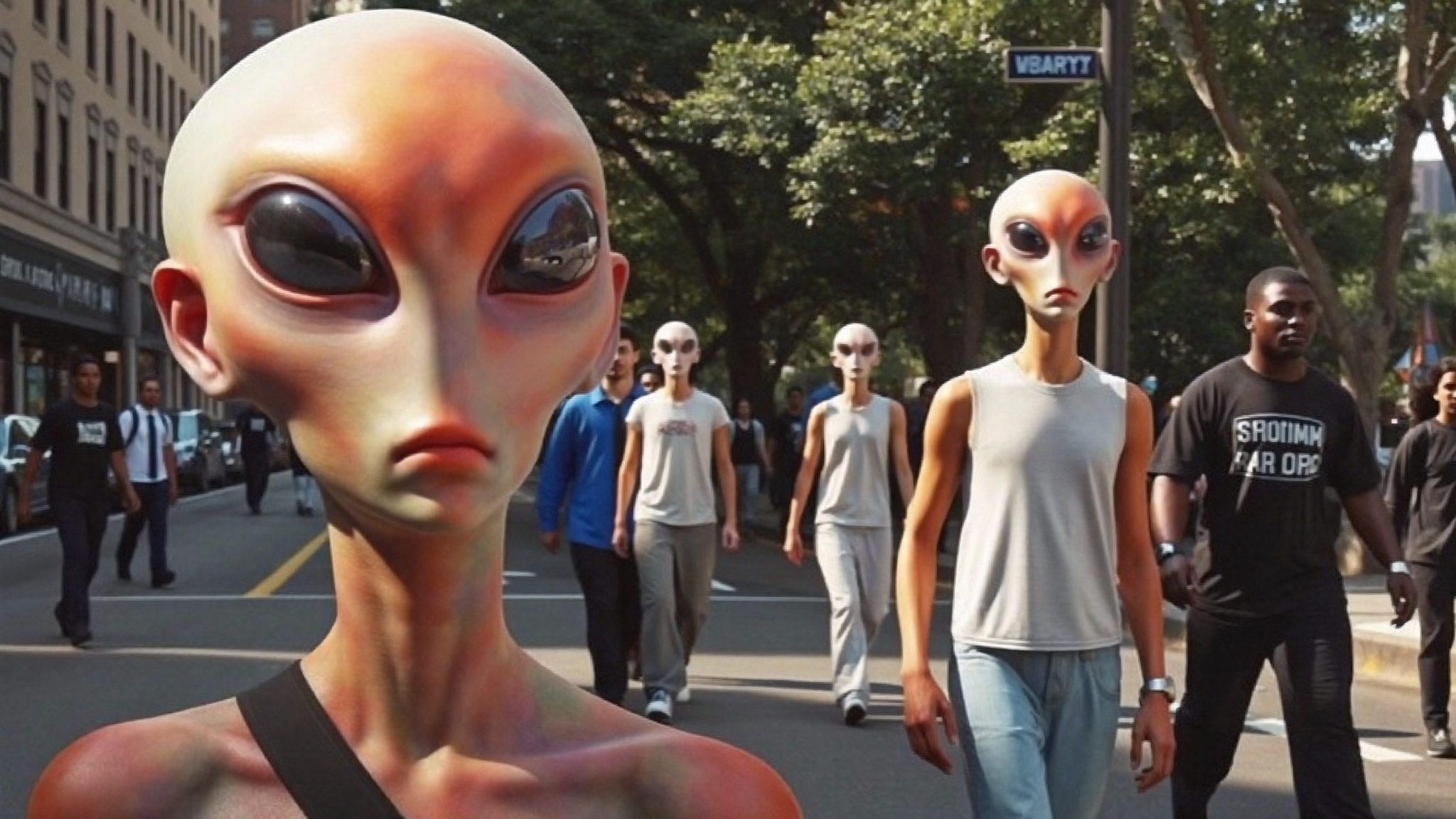
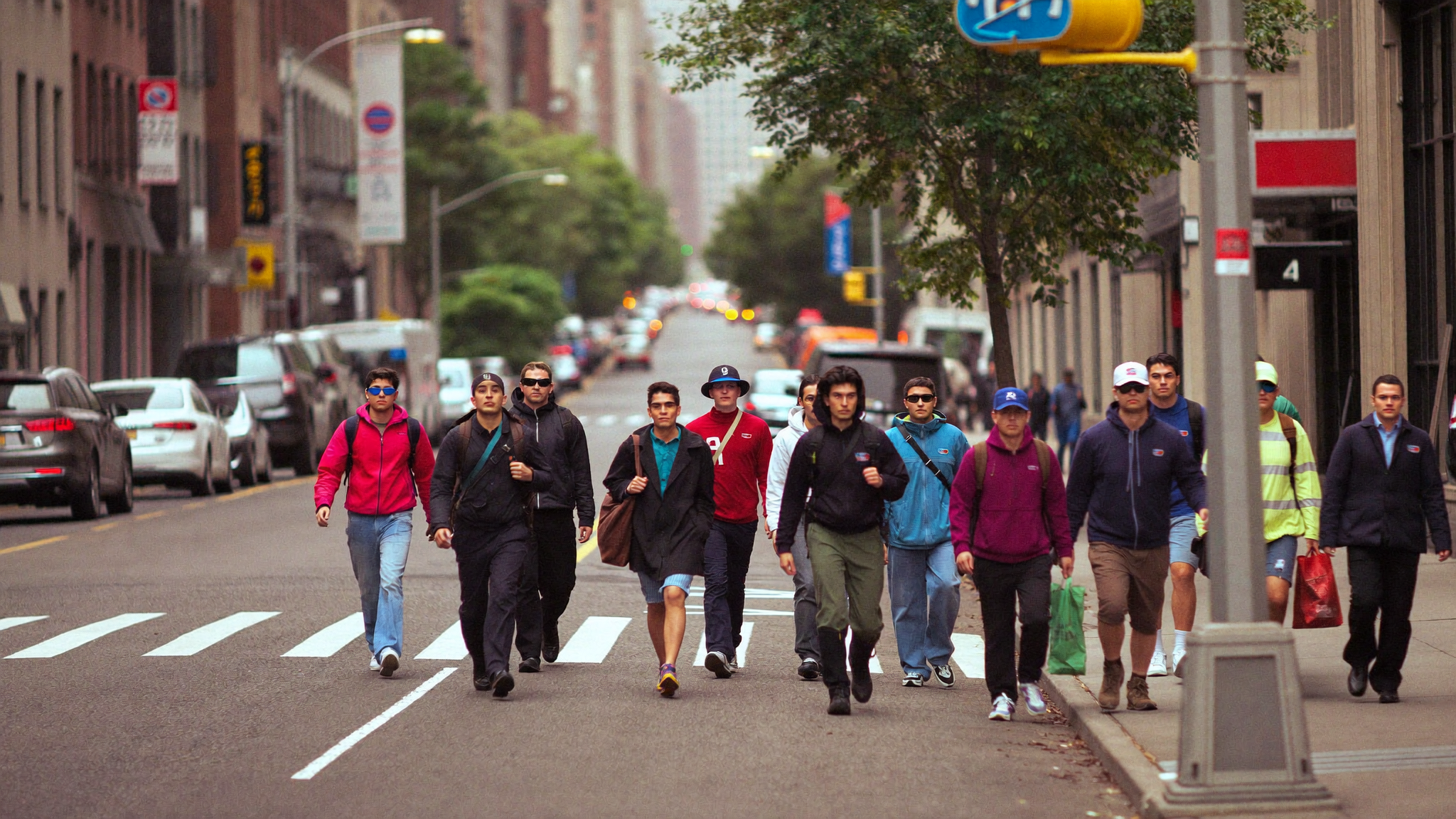
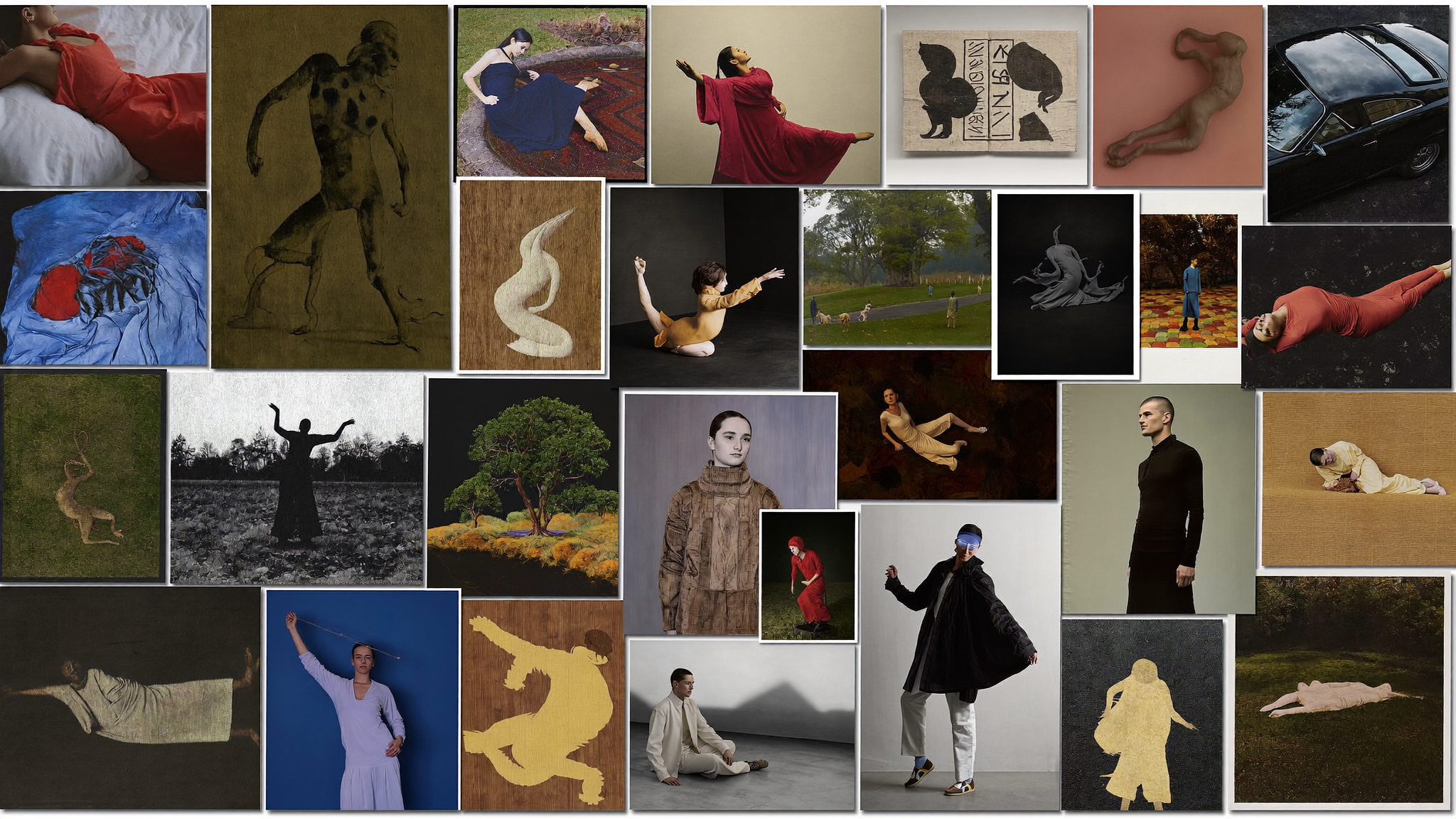
Every piece below came out of a model in the catalogue. Hover a clip to play it.
a kestrel diving through low cloud at dusk, cinematic
Seedance 2.5 Text to Video
a kestrel on a fencepost at golden hour, cinematic
FLUX.1 [schnell]

Model comparison
Pick the right engine for the shot
Capabilities, limits, and cost side by side — so the choice is about the result you want, not about which tool you happen to have open.
| Model | Provider | Type | Modes | Duration | Resolution | Status |
|---|---|---|---|---|---|---|
| Seedance 2.0 | fal.ai | Video | Text to Video · Image to Video · Reference to Video | 4–15s | 480p · 720p · 1080p · 4k | Available now |
| Seedance 2.5 | fal.ai | Video | Text to Video · Reference to Video · Image to Video | 4–30s | 480p · 720p · 1080p | Available now |
| Kling Video v3 | fal.ai | Video | Text to Video · Image to Video · Motion Control | 1–15s | — | Available now |
| Kling Video O3 Edit | fal.ai | Video | Swap | — | — | Available now |
| Fibo Generate | fal.ai | Image | Text to Image | — | 1MP · 4MP | Available now |
| Seedance v1 | fal.ai | Video | Text to Video · Image to Video | 2–12s | 480p · 720p · 1080p | Available now |
| Seedance v1.5 | fal.ai | Video | Text to Video · Image to Video | 4–12s | 480p · 720p · 1080p | Available now |
| Gemini 3 Pro Image Preview | fal.ai | Image | Text to Image | — | 1K · 2K · 4K | Available now |
Engines marked “coming soon” are pending integration against their official APIs.
Pricing
Credits, not surprises
One balance covers every model. The exact cost is shown on the Generate button before you spend anything, and a failed generation is refunded automatically.
Save 16% on annual billing
Creator
1,200 credits monthly
- Every available model
- 1080p video
- 2 generations at a time
- Full history and asset library
Monthly credits reset at the end of each billing period.
Pro
4,000 credits monthly
- Everything in Creator
- Priority queue
- 4 generations at a time
- Unused credits roll over
Unused credits carry into the next month.
Studio
9,000 credits monthly
Unused credits carry into the next month.
Need more, occasionally?
Buy credit packs on any plan. They never expire.
Running a team or need API access? Talk to us.
FAQ
Questions worth answering
Which models can I use?
Every model we've integrated appears in one picker, with its capabilities and cost listed. We add engines as configuration rather than code, so new ones arrive without you changing anything.
What happens if a generation fails?
Credits are reserved when you submit and only charged on success. A failure returns the reservation automatically — you are never billed for something you didn't receive.
Do I own what I generate?
Your generations and uploads are yours. Usage rights for the underlying models follow each provider's terms, which we surface on the model card.
Where are my files stored?
In our own object storage, not on a provider's temporary URL. Everything stays available in your library and downloadable at full quality.
Can I keep working while something renders?
Yes. Generation runs in the background, so you can queue several, close the tab, and come back. Nothing depends on keeping a browser window open.
Is there an API?
Planned for Studio. The platform is already built around an internal generation service, so the public API is an exposure of what we use ourselves.
Pick a model and go
Every engine in one composer, one balance across all of them, and the exact cost on the button before you spend it. Packs start at $12 and never expire.
Your keys stay server-side. Your media stays in your library.